

Forum
For Royal Enfield owners and enthusiasts

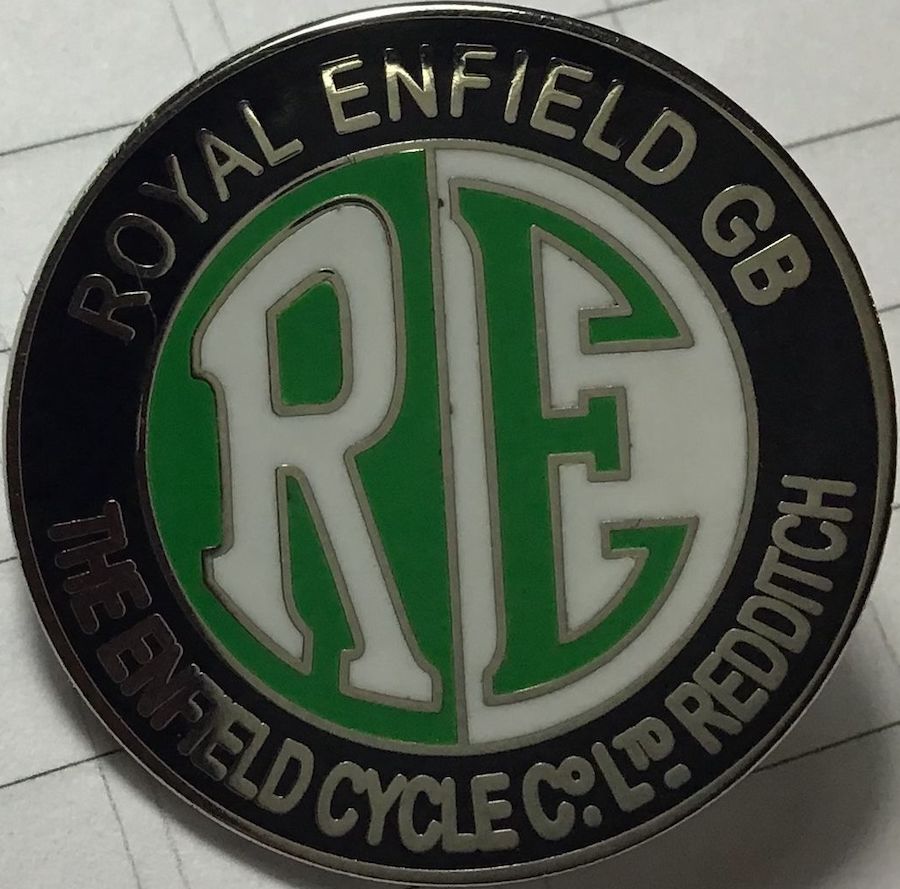
- Sat Oct 04, 2014 9:32 pm
#40875
Code was wrong Papasmurf, (EXILE, come explain, your better at it than me!)
I usually just have a free tinypics account to upload photos, get the link, and then forget about them after posting to the forum.
I must have hundreds of photos on tinypic, that I have long forgotten about. I don't use it for storage, just for giving me an HTML url for the forum!
Code was wrong Papasmurf, (EXILE, come explain, your better at it than me!)
I usually just have a free tinypics account to upload photos, get the link, and then forget about them after posting to the forum.
I must have hundreds of photos on tinypic, that I have long forgotten about. I don't use it for storage, just for giving me an HTML url for the forum!
REOC 15084
Tabellarius de verbis. Ostensor gaudium
Tabellarius de verbis. Ostensor gaudium

- Sat Oct 04, 2014 9:36 pm
#40876
Papasmurf.. sign up to a photobucket account. It's easy and costs nothing. Then follow the tutorial on how to post pictures.
I didn't buy the bike to add years to my remaining life. I bought it to add life to my remaining years.
Exile.
Find me (and Thumper) here: http://thumperdiaries.exilesplace.dk/#home
Exile.
Find me (and Thumper) here: http://thumperdiaries.exilesplace.dk/#home
- Sat Oct 04, 2014 9:46 pm
#40877
@ scaly and papasmurf..
I just looked at the source code for the attempt above:
This may or may not work:-
The 'wrong' bit of the code is that .php? bit. PHP is a login protection.
That is why the picture didn't show up. Other wise, the string is OK.
..hope I got MY html right, or this particularpost will look like s..t
I just looked at the source code for the attempt above:
This may or may not work:-
The 'wrong' bit of the code is that .php? bit. PHP is a login protection.
That is why the picture didn't show up. Other wise, the
..hope I got MY html right, or this particularpost will look like s..t
I didn't buy the bike to add years to my remaining life. I bought it to add life to my remaining years.
Exile.
Find me (and Thumper) here: http://thumperdiaries.exilesplace.dk/#home
Exile.
Find me (and Thumper) here: http://thumperdiaries.exilesplace.dk/#home
- Sat Oct 04, 2014 10:36 pm
#40880
I'd love to be able to post pictures and other stuff I've written, but I can't even get rid of the advert in the top rh of screen, which means I have to guess the end of the first lines of any posts! How on earth do you guys learn all this computer stuff?

- Sat Oct 04, 2014 11:26 pm
#40881
Hi wilf: Some councils and schools have free computer courses (well around here they do). Usually about one night a week for three or four weeks, 2-hours a night. Try looking on local notice boards in shopping centres and local newspapers. They don`t normally advertize on-line as obviously not many prospective pupils know how to use them.
- Sun Oct 05, 2014 5:42 am
#40885
My attempt at posting a picture works for me. I have tried taking the .php? out, the link will not open.
(I repeat I do not store data/photos on line for reasons I am not going bother people with.)
(I repeat I do not store data/photos on line for reasons I am not going bother people with.)
- Sun Oct 05, 2014 7:52 am
#40886
[center]
This usually works for a photo on the internet (but sometimes the site blocks it!)
type
<img src="
then goto the pic on the internet, right click and select copy image url. i.e....
http://i780.photobucket.com/albums/yy84 ... C00029.jpg
then add
"=>
to the end, so you get
<img src="http://i780.photobucket.com/albums/yy84 ... 9.jpg"=>
and insert the text into your post.

it's also useful to add a couple of "new line" codes before and after the photo and also if you wish paragraphs. just add <BR> (or <br>) for a new line. it's usually best to use 2 together <br><br> to leave a verticle space between line and also top and bottom of your photo. i.e.
[/center]
<br><br>
<img src="http://i780.photobucket.com/albums/yy84 ... 9.jpg"=>
<br><br>
[center]
If the photo is a big one, it usually screws up the forum layout, so you can add width="640" to the photo as below to limit the displayed size! Yay!
<img src="http://i780.photobucket.com/albums/yy84 ... C00029.jpg" width="640"=>
or change 640 to 320 for a half size pic as below.
Oh, if you want everything centered as in this post just add <center> (american spelling) right at the beginning of the post, or where you want centring to start from. you can end it with </center>
This usually works for a photo on the internet (but sometimes the site blocks it!)
type
<img src="
then goto the pic on the internet, right click and select copy image url. i.e....
http://i780.photobucket.com/albums/yy84 ... C00029.jpg
then add
"=>
to the end, so you get
<img src="http://i780.photobucket.com/albums/yy84 ... 9.jpg"=>

and insert the text into your post.
it's also useful to add a couple of "new line" codes before and after the photo and also if you wish paragraphs. just add <BR> (or <br>) for a new line. it's usually best to use 2 together <br><br> to leave a verticle space between line and also top and bottom of your photo. i.e.
[/center]
<br><br>
<img src="http://i780.photobucket.com/albums/yy84 ... 9.jpg"=>
<br><br>
[center]
If the photo is a big one, it usually screws up the forum layout, so you can add width="640" to the photo as below to limit the displayed size! Yay!
<img src="http://i780.photobucket.com/albums/yy84 ... C00029.jpg" width="640"=>
or change 640 to 320 for a half size pic as below.
Oh, if you want everything centered as in this post just add <center> (american spelling) right at the beginning of the post, or where you want centring to start from. you can end it with </center>
REOC 15084
Tabellarius de verbis. Ostensor gaudium
Tabellarius de verbis. Ostensor gaudium
- Sun Oct 05, 2014 8:46 am
#40888
It is possible to open that link which takes you to something called The Democracy Forum which is, ironically, Members Only. Made me laugh anyway! REgards, Mark
Shop for accessories at Hitchcocks Motorcycles